← All work

SLATE / APPLICANT COMMUNITY

COVE.

Community, Opportunity & Voice Engine

Give applicants a place to connect
and a reason to return.

An institution-branded community built within Slate. Discover shared interests, join conversations, keep useful resources, and find experiences worth exploring.

Explore the applicant journey

Designed and built by David Dysart.

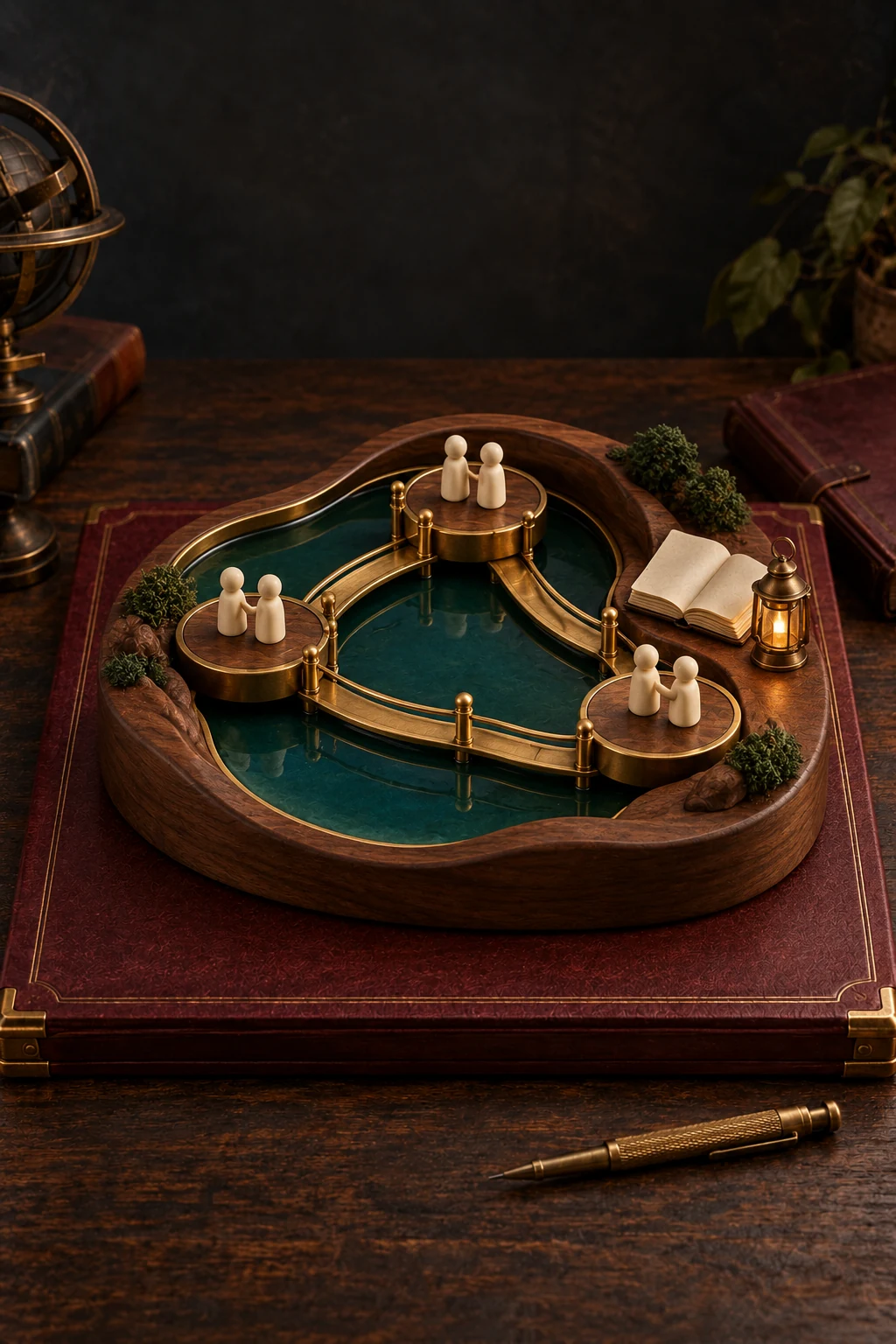
A crafted brass and walnut community model connects small gathering places, a shared folio, and paths around a sheltered central space.

A COLLEGE SEARCH / A HUMAN CONNECTION

A question can become
a way in.

Applicants bring more than an application. They bring interests, uncertainties, and questions about the people and experiences ahead. A community gives that curiosity somewhere to go while they consider their next step.

COVE connects exploration with conversation: a shared interest leads to a circle, an event leads to a discussion, and a helpful answer stays within reach for the next visit.

ARRIVE / CONNECT / EXPLORE / RETURN

Small steps.
More to come back to.

  1. 01 / ARRIVE

    Start with what interests you.

    A personalized home connects academic interests and everyday curiosity with places to explore. Applicants choose what to share in their profile and which interest circles to join.

  2. 02 / CONNECT

    Find a conversation worth joining.

    Relevant discussions offer an opening: ask a question, reply in context, or follow along. Welcome Crew and credited Student Voices give the community people and perspectives to meet.

  3. 03 / EXPLORE

    Keep something useful.

    Save a Field Guide answer, shape a Visit Plan, or try an optional activity. Private Passport progress and Quests help applicants keep track of their own exploration.

  4. 04 / RETURN

    Pick up the thread.

    A personal dashboard brings followed conversations, unread activity, and saved resources together. Read markers help applicants see where to continue when they come back.

THE EXPERIENCE / IN CONTEXT

Something to ask.
Something to keep.

An interest, a useful conversation, and a saved answer can each become a reason to continue exploring.

ILLUSTRATIVE APPLICANT EXPERIENCEFictional institution and participants

HARBOR COLLEGE / APPLICANT COMMUNITY

A place for your next question.

FIND YOUR PEOPLE

Design & makingMusicGames

A CONVERSATION TO EXPLORE

What would you try in your first week?

I’d like to find somewhere to make things. Can you join a project even if you’re still exploring majors?

WELCOME CREW / FICTIONAL RESPONSE

That’s a useful question to bring to a visit. What would you most like to try building?

A place to participate.

Applicant conversations and institution discussions support contextual replies, follows, and Thanks. Unanswered filters and pagination make exchanges easier to find; applicants can edit or withdraw their own contributions.

People around the experience.

Interest circles connect shared interests with relevant discussions. Welcome Crew, credited Student Voices, and event conversations add human context. Optional per-event Who’s Going sharing lets applicants choose whether to show a profile around a particular event.

Useful things to keep.

Saved Field Guide answers and private Passport progress carry useful context into the next visit. Quests, polls, a Major Personality questionnaire, four game-form links, Visit Plan, and a Mini-Lab pilot provide optional ways to explore. Participation follows curiosity rather than competitive rewards.

An institution’s own community.

COVE is a consulting and implementation offering shaped around an institution’s identity, audience, and student experience. Community structure, content, and presentation are configured within Slate, alongside the institution’s existing applicant journey.

THE POND / DEVELOPMENT DEMONSTRATION

Personalized recommendations

Full resolution. Scroll across or down to explore the screenshot. Use arrow keys when the image area is focused.

The Pond recommends a beginner-friendly gaming conversation based on a saved public interest, with links to join, explore questions, and open Passport.

A conversation that starts with a shared interest.

Open original image

THE POND / DEVELOPMENT DEMONSTRATION

Welcome Crew conversations

Full resolution. Scroll across or down to explore the screenshot. Use arrow keys when the image area is focused.

Two clearly labeled fictional Welcome Crew responses in The Pond, each with a Say thanks link.

A human welcome, in the context of a conversation. Fictional demo responses shown.

Open original image

THE POND / DEVELOPMENT DEMONSTRATION

Passport Quests

Full resolution. Scroll across or down to explore the screenshot. Use arrow keys when the image area is focused.

Four Pond Passport Quest cards with private stamps for circles, a poll, following a conversation, and saving a Field Guide answer.

Small steps, private progress, and more to explore.

Open original image

THE POND / DEVELOPMENT DEMONSTRATION

Pond Field Guide

Full resolution. Scroll across or down to explore the screenshot. Use arrow keys when the image area is focused.

Field Guide cards about shared interests, majors, and living at Stevens, with official resource links and Save to My Pond controls.

Useful answers worth keeping for the next visit.

Open original image

STAFF / KEEP THE COMMUNITY USEFUL

Built for the people
who keep it going.

Native staff content forms support updates to community features and prompts. Review and moderation controls, together with Community Desk, give staff a place to maintain content and attend to participation.

A reusable annual rhythm.
Fifty-two yearless weekly prompts and September cohort rollover reduce routine calendar upkeep while retaining a clear community cycle.
Events that follow their dates.
Event cards use actual Slate event dates, with a default window from 14 days before the start through 7 days after the end. Optional date overrides provide flexibility.
Content with a clear owner.
Staff can maintain published material through native forms and review controls, keeping voices, answers, and event conversations relevant to applicants.
THE IMPLEMENTATION

An institutional home.
A shared Slate foundation.

Native Slate Forms, fields, datasets, entities, and Configurable Joins-based queries drive the experience. Shared, commented HTML, CSS, and JavaScript handle presentation. Authored SQL remains in query parts and formulas.

The demonstration.

The Pond is the installed development demonstration at Stevens for current undergraduate applicants, including students who have not yet been admitted. COVE is the reusable DysArtisan offering; each institution can give its community a student-facing name of its own.

The demonstration is not a completed production rollout. Broader audiences can be scoped for future implementations.

PUT IT TO WORK

What could your
applicants connect with?

Shape an applicant community around your institution’s people, opportunities, and voice.

Talk about COVE